
Past meets and results
The club's public Meets page has two tabs - Upcoming, and Results and past seasons - with upcoming meets, results, photos and files. No sign-in needed.
The club's Meets page is public: anyone can open it without signing in, and you can share its link.
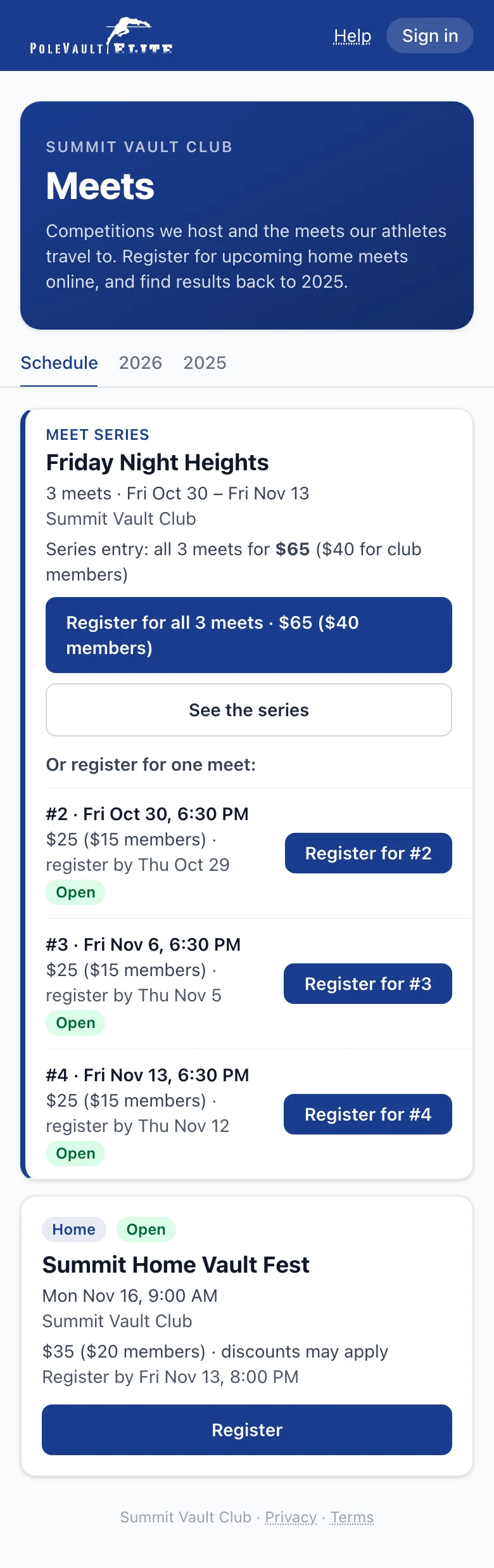
The page has two tabs. Every meet is one row, as in the members area: the date on the left, the name with Home (hosted by the club) or Away, the place and the entry window ("Entries open · close Dec 1", "Entries open Dec 1 · close Jan 10" or "Entries closed Nov 28"), and the button on the right.
- Upcoming (opens first) shows the meets from today on. The button is Register while registration is open, Full: join waitlist when it's full, otherwise Details; a pill says Waitlist, Full, Tentative, Members only or Cancelled when needed. Home meets open to everyone show their price, for example "$25 ($10 members)". At the bottom, Results and past seasons → opens the other tab.
- A meet series (like Friday Night Heights) is one row on Upcoming: a solid date block with "+N" for its other dates, the series name with Home or Away and "N meets", the place, every date and when entries close, Series pass price (all its meets at once) and Show N meets. Tap Show N meets to open its meets as normal rows, each with its own Enter / Register and Details, then Series leaderboard and About the series. On Results and past seasons a series still lists as one block with each meet's results.
- Results and past seasons lists every past meet by season, newest first: the current and last season open, older seasons folded (tap one to open it). Each meet shows our Results and its files; other results (like Athletic.net) are on the meet's own page and its results page.
- Tap a meet's name for its own page: results, photos, files and the meet information as it was posted. Back to (the season or the schedule) returns you to where you came from.
Each tab has its own link, and each season its own anchor (for example /meets?tab=past#season-2025), so you can share a season directly. Old season links (?tab=2025, ?tab=older) still work.
Find it
- Signed in: open Meets (in the top menu; on a phone, the Meets tab or More → Meets) and tap Results and past seasons.
- Not signed in: go to the club's website address followed by /meets.
Members sign up for meets from the app (see Signing up for meets). Opening /meets while signed in shows the same page with a My meets tab first for your family's entries.
Meet records and past champions
If the club's website has a Home meet history page (some clubs call it something else), each meet the club hosts again and again (for example a Halloween meet or a November series) has its own tab:
- Meet records: the all-time best Women's and Men's marks at that meet, from every year, indoor and outdoor together ("(i)" = indoor). Tap All athletes or the club's button (its short name, then "only") to switch between the overall record and the best mark by one of the club's athletes. When two athletes cleared the same record height, both are listed.
- Past champions: the winning height each year. A series of nights shows one row per year; open Night by night for each night's winners.
- Results opens that meet's full results on the club's website: every athlete's place and best height and, when the club has them, every attempt. athletic.net ↗ opens the same meet on athletic.net, when it's there.
- Next date: when the next edition is published, its date and Sign up, which opens the meet's page.
- Venue: a meet at the club's own place shows the club's name and town (for example "{club} (town)"); the meet's own page keeps the full address for directions.
The tabs are in calendar order: the next meet comes first. A meet with a date ahead says so in the club's accent colour ("● Next: Nov 13", or "● Entries open · Nov 13" while you can sign up) and has a stronger outline; the others show "Last:" and a date in grey. The last tab, One-off meets (the club can rename it), lists one-time meets with their winners and results.